Wait for the View
Running through the Métro for a view that was always going to be worth it. 🇫🇷🗼
She sprints through the Métro, breathless — hard cut to the Eiffel Tower lit gold over the Seine. No dialogue needed; the whole video is one exhale before the payoff. I generated the run and the reveal first with a stand-in; only my face and outfit were swapped in afterward.
Demo
🎬 The Result
The Métro run, the hard cut, the Eiffel Tower reveal — all generated first as one continuous scene with a stand-in. Only my face and outfit were dropped in afterward.
How I Appear In It
🪄 Dropping Myself Into The Scene
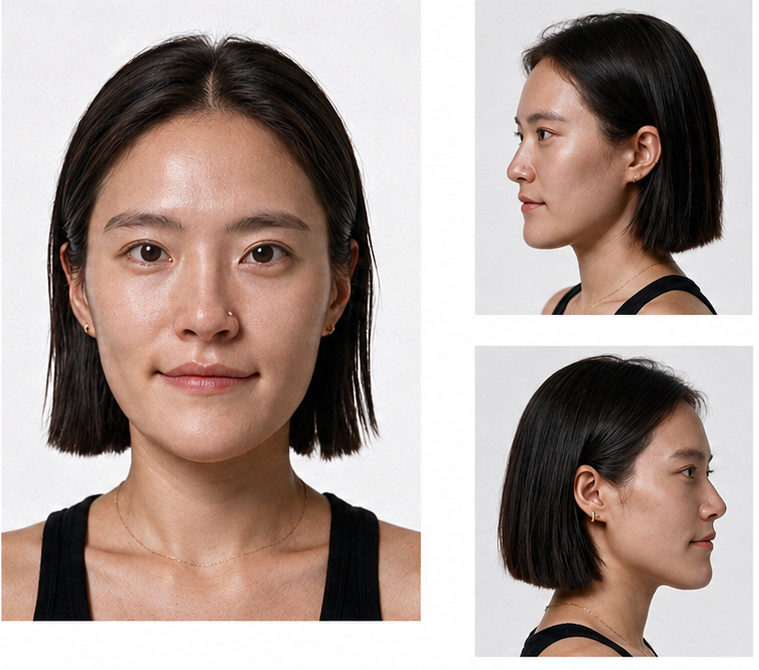
My face reference — not available to download. Swap in your own clear, front-facing photo here.
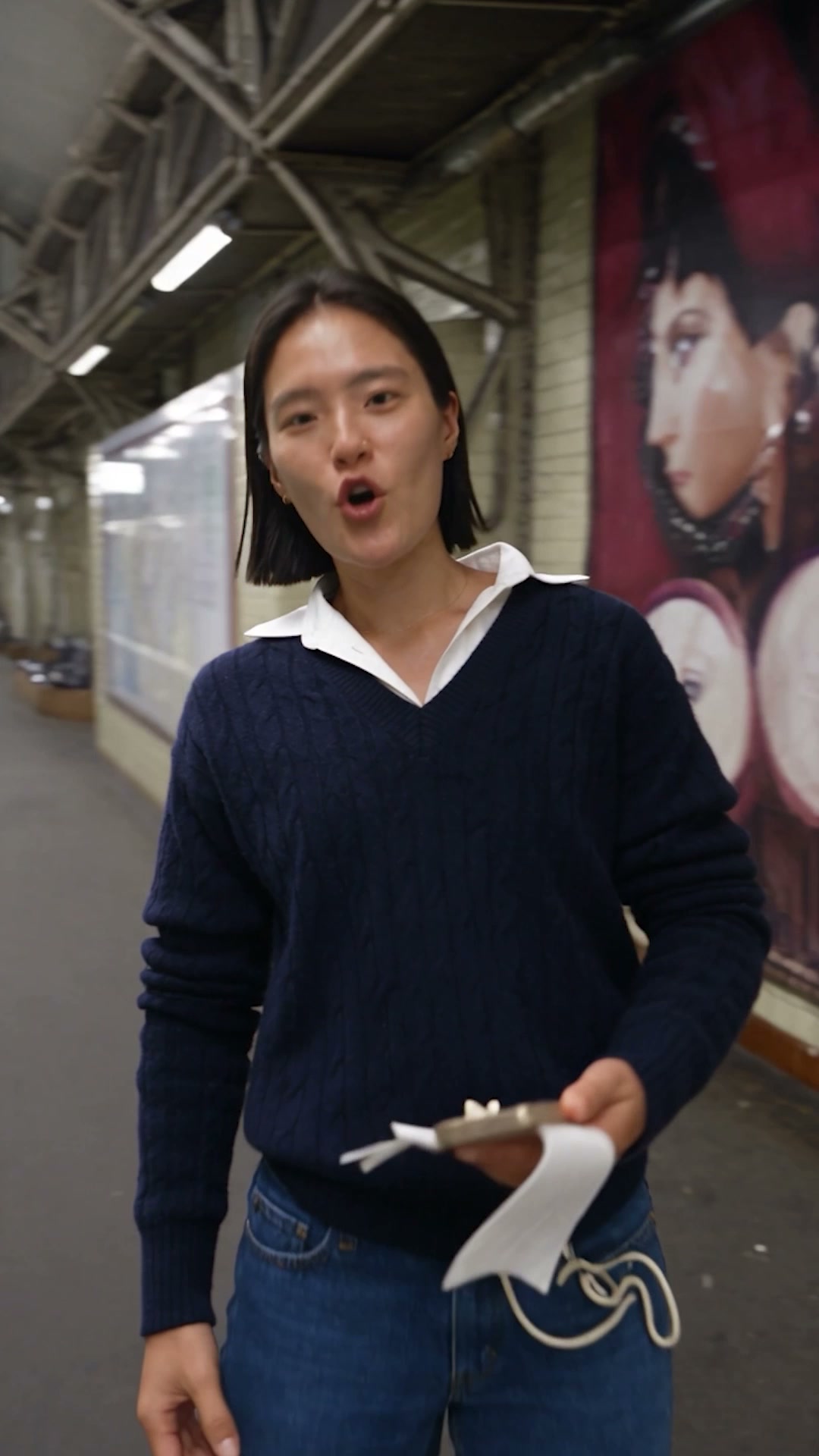
The outfit — a clean, front-facing product-style photo works best for the actual reference image.
Swap the face in this video with the face in @[Image 1](image_1), and change the outfit to the one in @[Image 2](image_2). Keep everything else exactly the same — same body, movement, camera angle, lighting, and background.
Practical Tips
💡 Before You Try It
Daily Creative Drops ⚡
Keep Creating With Me 🤍
If you use this prompt, tag @aiwithdonna so I can see what you create.
More guides coming soon!